Panel Operations
LCD Display and Button Operations
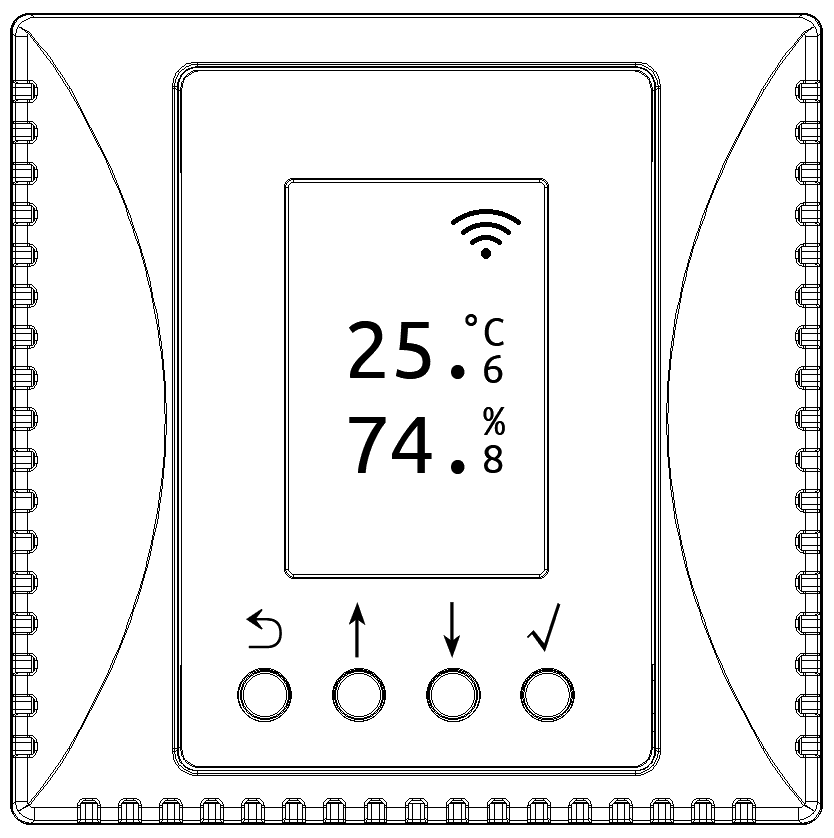
Normal Display
In normal display mode, the device LCD shows temperature and humidity values.
When equipped with different air quality sensors, such as CO₂, TVOC, etc., the device will display the corresponding air quality monitoring values in sequence. You can also press the ↓ or ↑ buttons to switch display content.
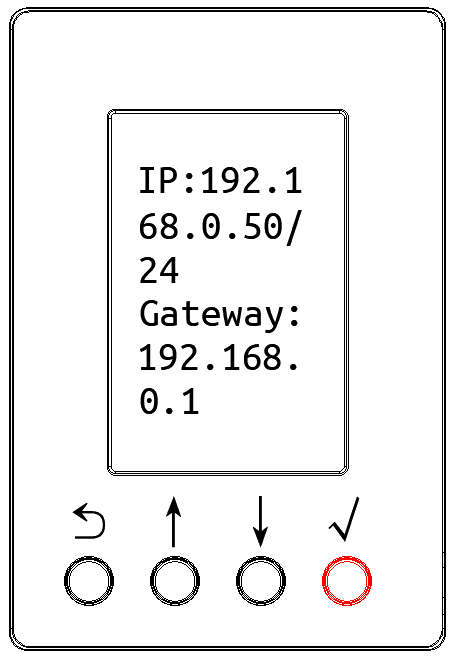
Parameter Interface
Press and hold the √ button for 1 second to enter the device parameter interface, where you can view parameter information such as IP address, device time, MAC address, Wi-Fi network, firmware version, etc.
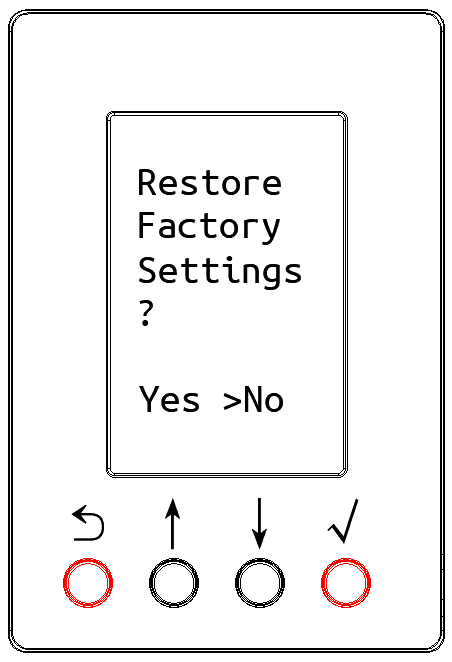
Factory Reset
Press and hold the ⟲ and √ buttons simultaneously for 5 seconds to enter the factory reset interface. The reset and restart process takes about ten seconds.